
Runic Wars
Game Link: https://play.unity.com/mg/other/fullybuilt
Description: A side project done for fun over the summer between class quarters. This is a Unity project made using Unity Hub for the GUI (Scenes, objects, etc), custom C# scripts for the client behavior (Combat, UI changes, unit behavior, etc), and custom CloudScripts through PlayFab for Server and Client interaction (Item Inventories, Character Stats, Progression, etc). It is a game where acquire champions and power them up to fight with in a strategy combat game. You can power up these champions using the items and currency gained from victories fighting against an Artificial Intelligence with preset characters. This means the game encourages the user to strategize and manage resources wisely to achieve victory.
In Depth:
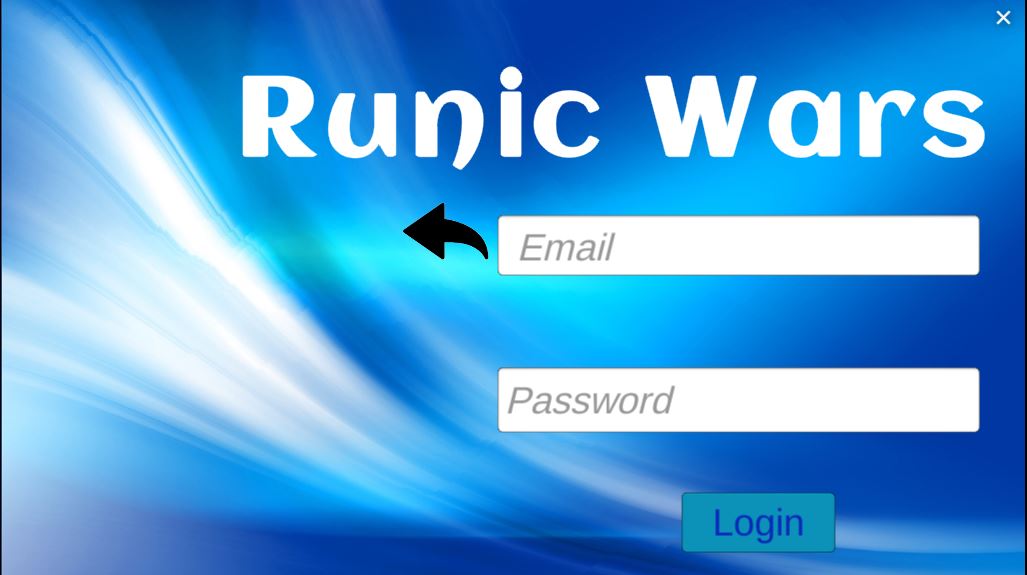
Starting the Game: At the login screen, the user creates an account giving an email, username, and password, then uses the email and password to login. This account management authorization is done via CloudScript for security.
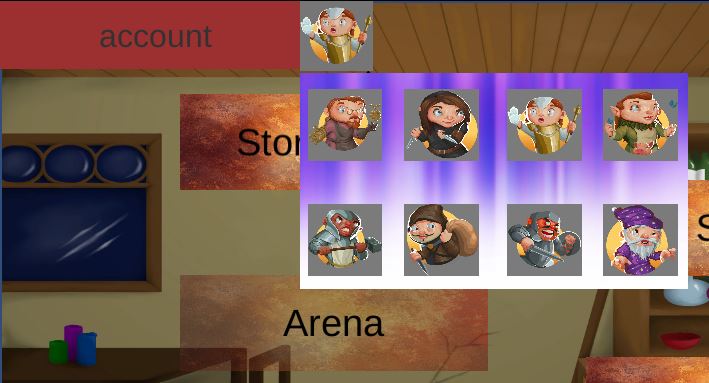
Main Menu: The main menu screen is the main navigation between features of the game. Initially the only tabs accessible are the Shop and the Collection tab. The Collection tab is empty until champions are collected. From the main menu you can also see your username and profile picture in the top left. The profile picture can be changed by clicking on it and selecting your preference of image from the selection that will be saved and updated from then on any time you visit this page.
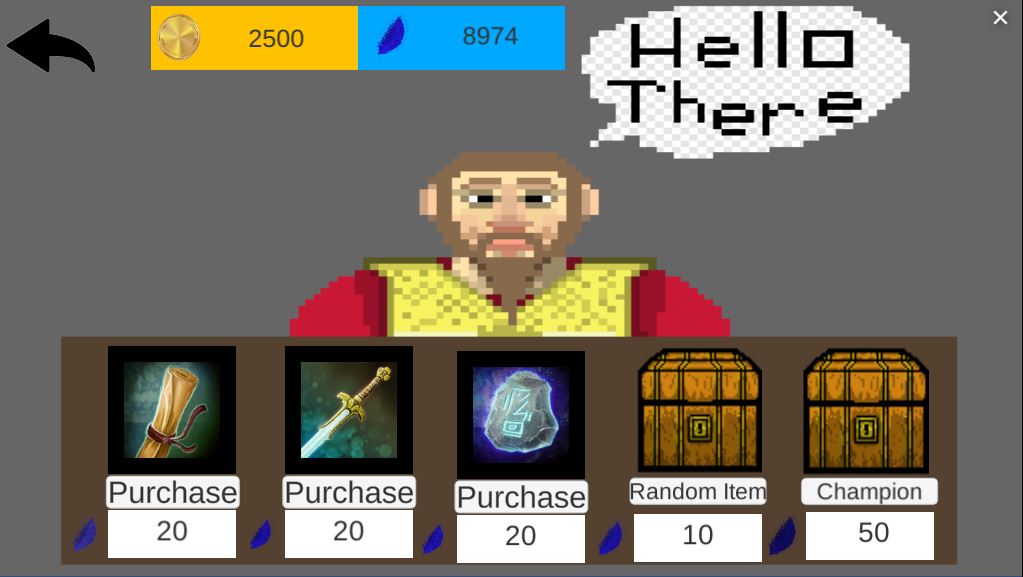
Shop: The Shop is the source of champions and items. Here you exchange your currency, which you can see in the top (near the back button), to purchase items, roll random items, or roll for champions. Right now the only source of currency is completing battles so make sure to at least roll for the five champions in the game in order to proceed. Rolling is set so you do not get duplicate champions so rolling five times will give you every one. The items are used in the Collection to power up your champions to use in combat. Rolling is done on a table so different rarities have different drop rates. The gifting of items / champions is done via CloudScript as an anti cheat measure.
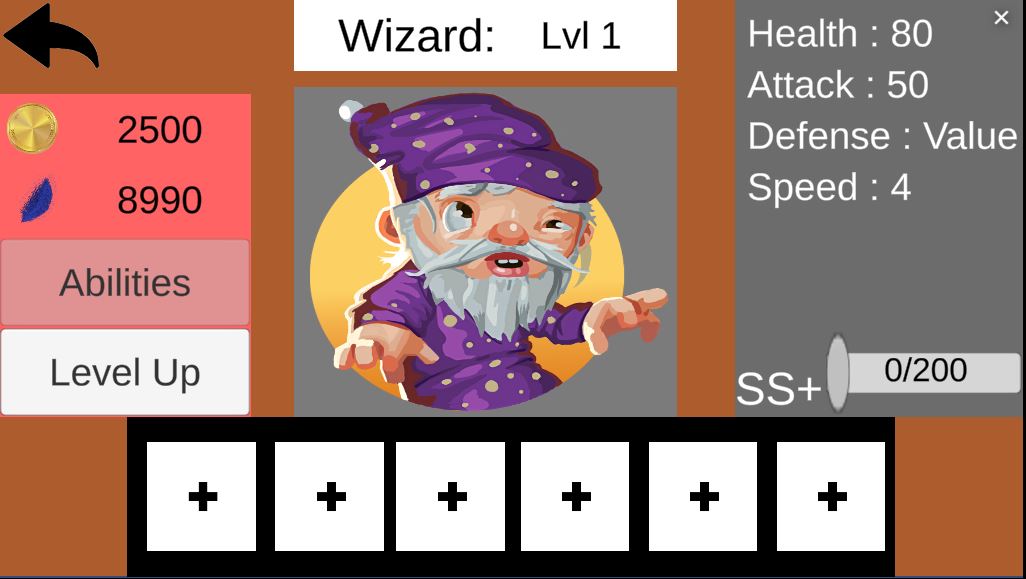
Collection: After getting champions and items from the shop, the Collection is where you can equip these items and power up your champions. The Collection screen will show you a list of pictures of the champions you own. Clicking on one will bring you to that champion's profile page. Here you can see their Name and Level at the top, stats in the top right, rarity in the middle right (not implemented), and Inventory at the bottom. The Stats represent different combat aspects when they fight. Health is how much damage they can take before fainting, Attack is how much damage their abilities do, Defense reduces damage they take, and Speed determines how often they get a turn. Clicking on inventory buttons will open your item inventory and allow you to equip or swap items to change the character's stats. The Sword increases attack, the Health Crystal increases Health, and the Scroll increases speed. Double clicking on an equipped item will upequip it and put it back in your inventory. You can also level up with the button on the left to increase some base stats. In the future this will cost currency, but at the moment for showcasing it can be done without currency.
Important: You Must Go to the Shop and Click the Champion Button Five Times (Receive Every Champion) to Unlock Story Mode and Combat
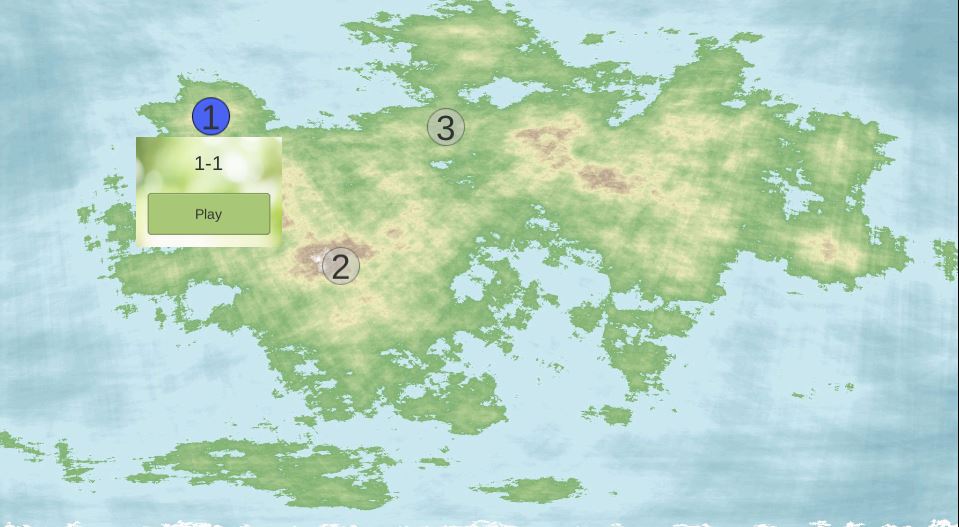
Story Mode: After collecting the five champions in the game, the Story Mode tab in the main menu will unlock. This leads to a map of three current levels implemented with only the first level unlocked, the others unlock when the previous level is completed.
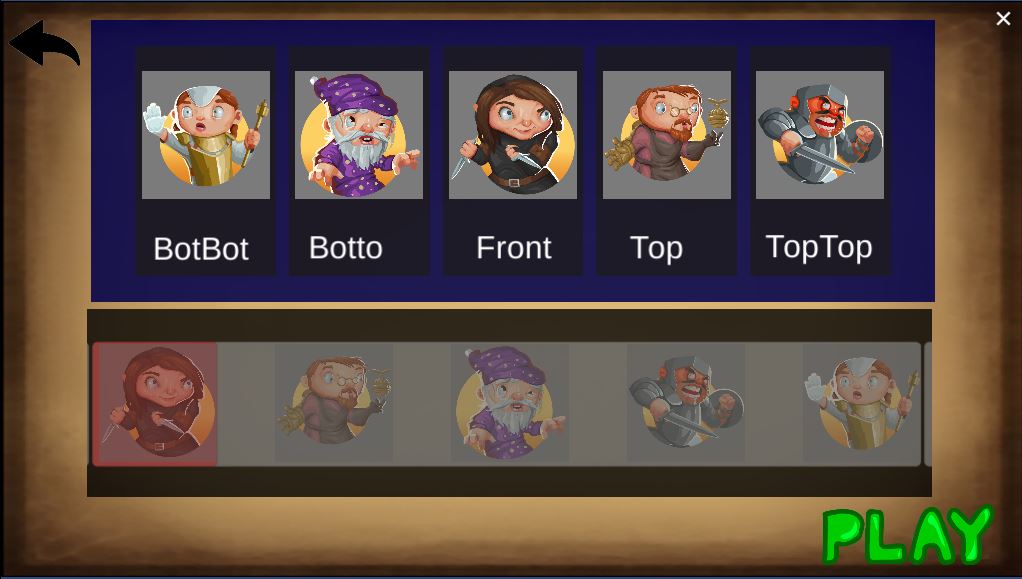
Team Selector: After selecting a level, the team selector screen is opened. Here you can pick what champions you would like to use and in what position you want them to be in. In the future when more complex abilities would be implemented, this would be used to strategize on where to position to avoid damage. Right now it impacts in what order characters go to the front, which is the champion that receives damage from the enemy. Clicking on a champion in a position will remove it. When you have the characters and positions you would like, hitting the Play button will initiate Combat. This button is only available if you have five champions in positions.
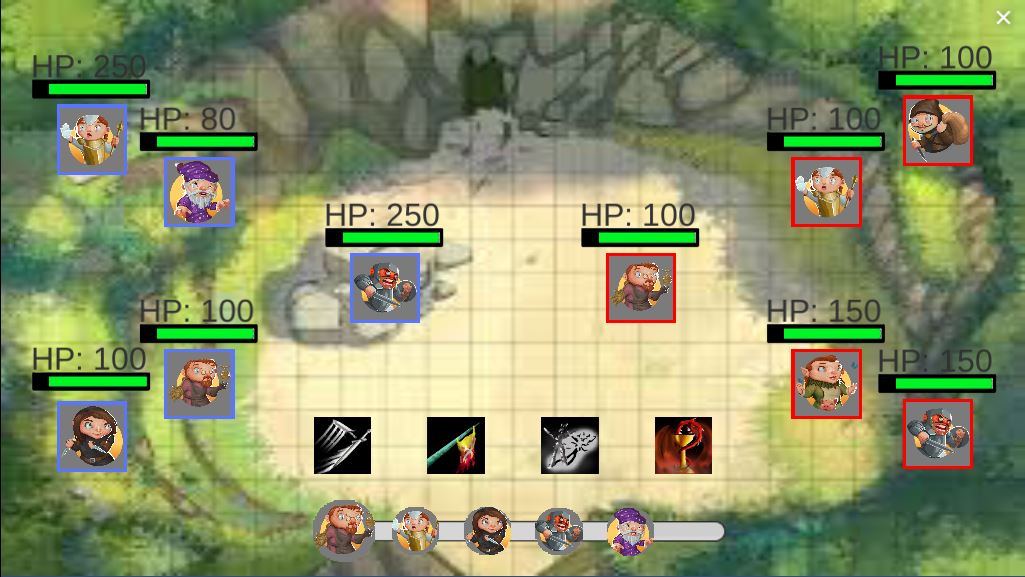
Combat: When Combat is initiated, your champions, in the positions chosen at the select screen, will be on the left with the enemy on the right. Each character will go in order of their speed, speed being additive if they didn't go yet and reseting when they get a turn. On your turn you will see the portraits of that character's abilities at the bottom. When an ability is used, depending on how powerful it is, more powerful being towards the right, it will go on a cooldown appropriate to this. For example the strongest goes on cooldown longer and the weakest doesn't have a cooldown. In the future characters will have unique abilies that all perform different things based on a kit, but for showcasing purposes, every ability does the same thing which is simply doing damage to the enemy in front representitive of how powerful it is ranging from 10 base damage to 40, all made stronger depending on the characters attack and weakened by the enemies defense. When a character drops to 0 HP it is removed and the next character closest to the front moves up. When every character on a team is defeated, the combat ends. If the player wins, rewards are given in the form of items and currency. Victory or Defeat, there will be a prompt to either try again or return to the main menu.
Copyright / Thanks: The art and images seen in the game were gotten from artists at opengameart.org. The CloudScript and Server / Client was done using PlayFab. The game was made on the Unity Engine.